From Spreadsheet to App: Moving One Process Out of Excel
Ryan
Co-founder, Nanon.io
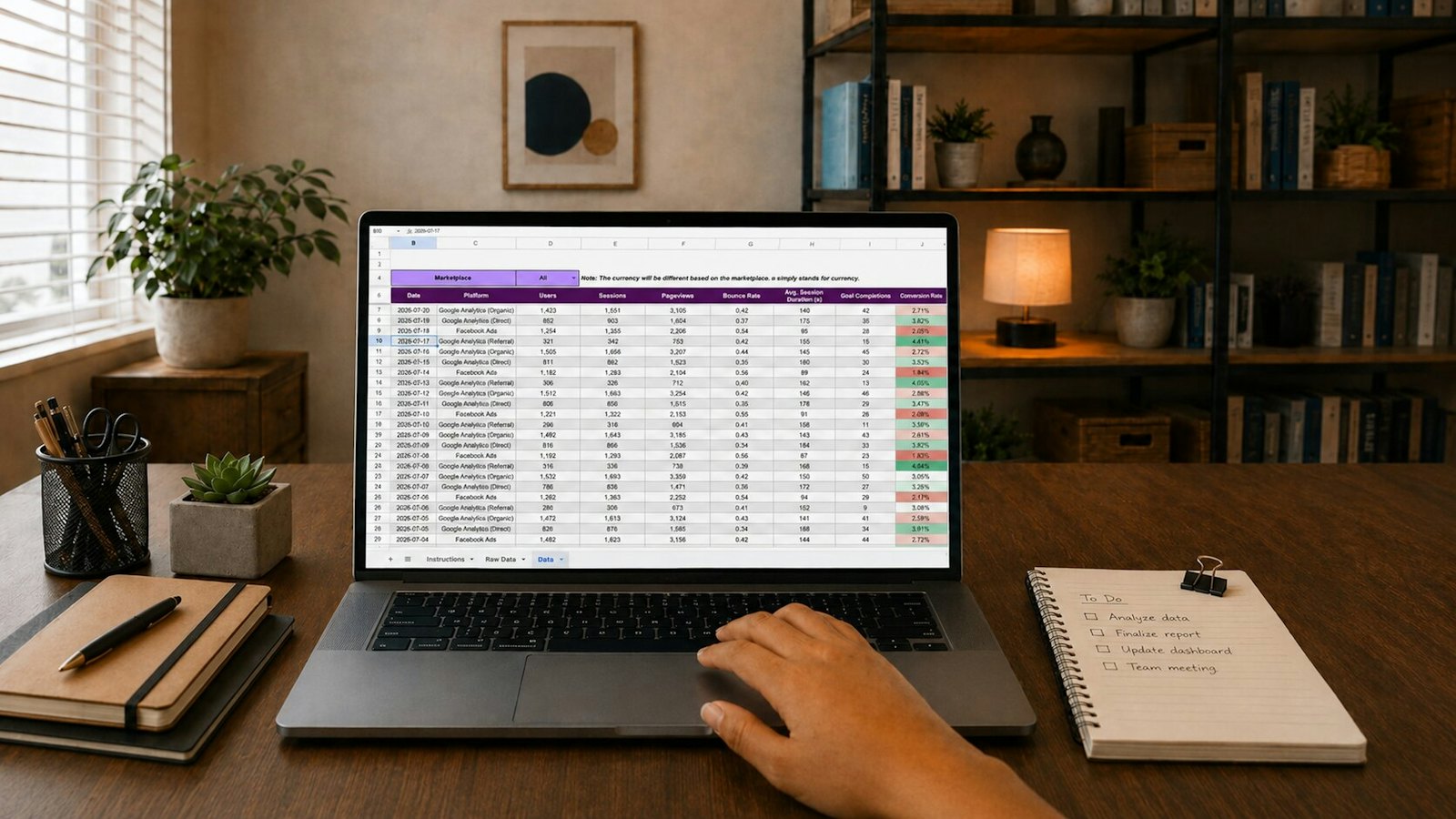
Every organization has one: the spreadsheet. It tracks the enrollments, or the inventory, or the job orders. It has twelve tabs, three colour codes only one person understands, and a formula in column M that nobody dares touch.
It works — until it doesn't. Two people edit it at once and overwrite each other. A number gets typed into the wrong cell and the totals are quietly wrong for a week. Someone emails "the latest version" and now there are four latest versions.
The instinct is to keep patching it, because the spreadsheet is yours — it fits your process exactly. The good news: you can keep that fit and lose the fragility.
Why the spreadsheet worked in the first place
Before replacing anything, it helps to name what the spreadsheet got right:
- It was shaped to your process, not a vendor's idea of it.
- You could change it instantly — add a column, change a rule, without asking IT.
- Everyone already understood it.
Any replacement that loses those three things is a downgrade, no matter how modern it looks. That's the bar.
What the spreadsheet can't do
A spreadsheet is a grid of cells. The moment your process needs more than a grid, it starts to strain:
- Who can see what. A spreadsheet is all-or-nothing — share it and people see every row.
- Rules that hold. Nothing stops someone entering a payment larger than the balance, or an enrollment with no student.
- Who changed what. Version history exists but nobody reads it; there's no record of why a cell changed.
- Doing something when a value changes. A spreadsheet can't text a parent or email an approver.
The move, one process at a time
You don't migrate the whole business. You pick the one spreadsheet causing the most follow-up messages and move just that.
- Name the record. Each row is a thing — an enrollment, an order, a request. That thing, with its fields, becomes the centre of the app.
- Turn colour codes into statuses. The yellow rows are "pending", the green ones "approved". Those become real statuses a record moves through.
- Turn the rules in your head into rules in the system. "Don't approve without the documents" stops being a thing you remember and becomes a thing the app enforces.
- Decide who sees what. The branch manager sees their branch; the head office sees everything.
- Add the follow-ups. The messages you send by hand — "your order is ready", "please complete your requirements" — become automations.
Describe it, see it, change it
This is where AI changes the economics. You don't have to work out each of those steps alone. With Alvis, AI works alongside you as a partner: tell it what each row is, what the colours mean, and what you do when one changes, and it proposes the records, statuses, roles, and automations for you to review. You decide what goes in, and because there's no code — not even AI-generated code — every part is laid out visually, so you can see it and change it, the same way you used to edit the spreadsheet: instantly, yourself, whenever the process changes.
You keep the fit and the freedom to change. You lose the overwrites, the silent errors, and the four latest versions.
Pick your worst spreadsheet and start building it in Alvis, the AI app builder that turns it into a real app: alvis.nanon.io